1. Confirm the fit and arrange access
Build your plan with your team size, locations and optional modules. A guided demo is available if useful, but it is not required. The Cleaner team currently coordinates account activation and app access; the website does not yet offer live self-service checkout.
- There is no free trial.
- Final prices, allowances and your deployment arrangements are confirmed with the team.
2. Prepare people, places and phones
Choose the owner, managers and employees who need access. Your authorised owner creates staff accounts and provides sign-in instructions. Add your first location, then agree on clear task names and the evidence each job needs.
- Select English, French or Spanish on each phone.
- Prepare Chat translation packs over Wi-Fi and confirm notification and location permissions where needed.
3. Walk through one assignment together
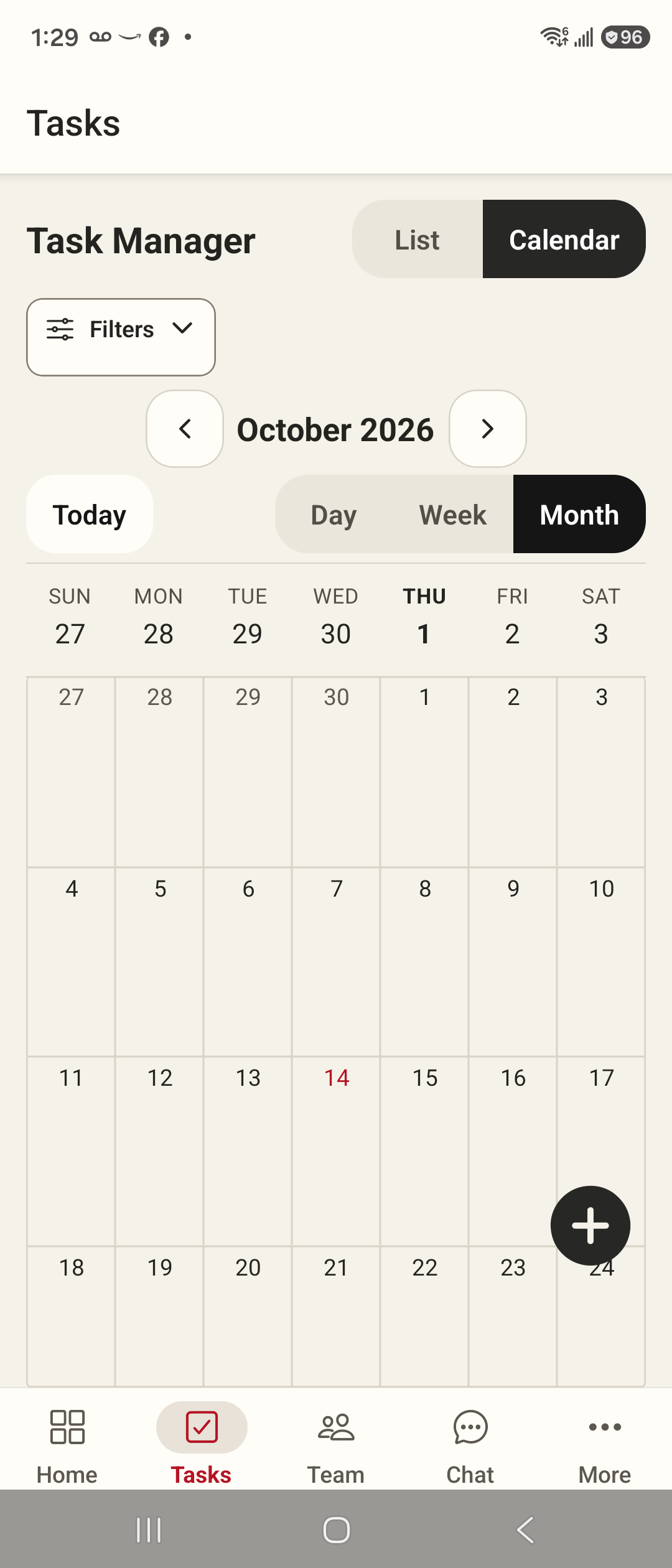
Schedule a task, open it as the assigned employee, check the instructions and practise the task timer. Capture the required evidence with a connection, then have a manager review the result. Resolve questions before adding more sites.
- Confirm who handles exceptions and creates follow-up tasks.
- Ask the team about current Android access; physical iPhone validation remains outstanding.
Practical answers
Must I book a demo first?
No. You can send a plan enquiry directly. A demo is optional and there is no trial signup.
Can I start a paid subscription immediately?
Not through this website yet. Cleaner is in controlled Android validation; public paid launch checks and final commercial terms are still being completed.