Give every assignment its context
Set the task, location, assignee and scheduled window. Add the instructions and completion requirements that matter for that visit, rather than leaving the next person to reconstruct them from messages.
- Open an assignment to read its full details.
- Keep photos, stock and location requirements with the task.
Adjust the day as conditions change
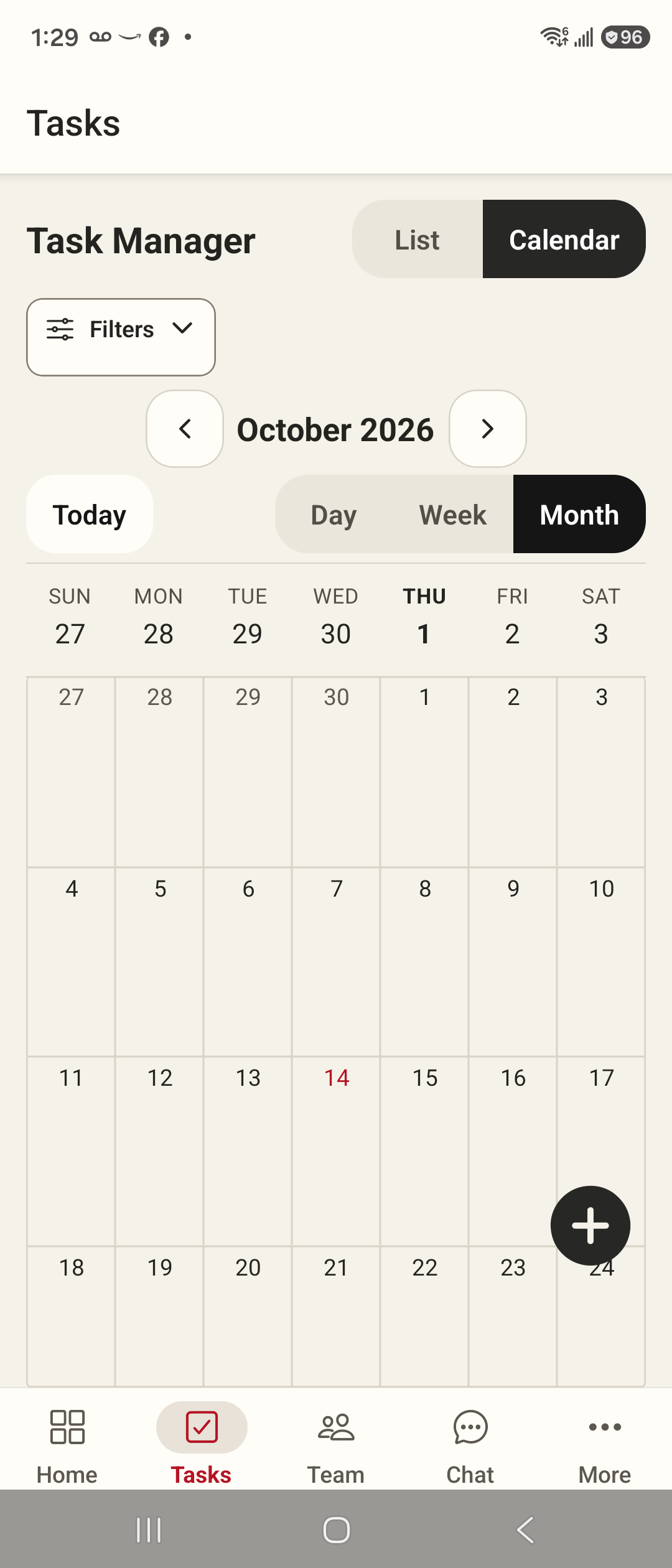
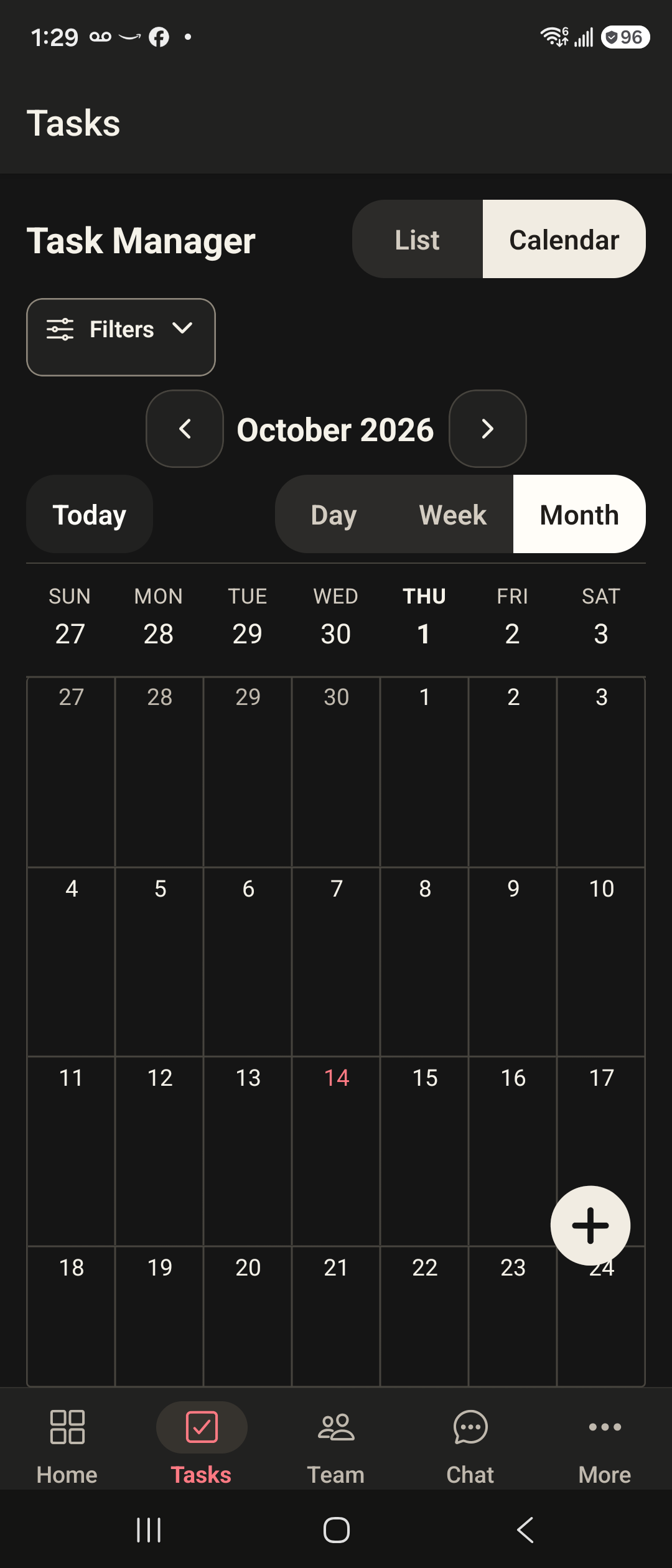
Switch between day, week and month views to see the right level of detail. Managers can change a task's scheduled time; conflict checks flag overlapping work using the schedule currently loaded.
- Move between dates without losing your selected view.
- Recheck the schedule when multiple managers are editing.
Give the field team a useful next step
Employees see their assigned work and can open a task from the calendar. The daily route view places scheduled sites on a map and opens directions in the phone's maps app.
- View the day's visits in scheduled order.
- Use task details for instructions and completion actions.
Practical answers
Can Cleaner generate recurring tasks?
Automatic recurring-task generation is not available in the current release. Create and schedule each required visit explicitly.
Does it automatically optimize routes?
The route view follows scheduled tasks and can open directions. It does not automatically calculate an optimized multi-stop schedule.
Can employees move other people's assignments?
Employees receive their assigned-work view and cannot use the manager's rescheduling action. Access is checked against organization membership and role.